Publised on Feb 4, 2026

Melvyn Goodinson

We’ve all been there. You land on a website looking for something specific, maybe a new jacket, a replacement charger, a gift for a friend. You’re open to buying, even ready. But within seconds, you’re lost. The menu is overwhelming, the layout feels cluttered, and the products all blur into each other. After a few frustrating clicks, you leave. Not because you changed your mind about buying, but because the site made it too hard.
This is what poor UX does. And for businesses running on WooCommerce or Shopify, especially in the small to mid-sized space, it’s often the silent killer of conversions.
UX Is Not Just Design. It’s the Whole Experience.
Let’s get one thing straight. UX, or user experience, isn’t just about how a site looks. It’s about how it works. It’s the entire journey your customer goes on, from the moment they land on your homepage to the moment they complete a purchase (or decide not to). It’s about clarity, flow, trust, and ease.
When UX is done right, it’s invisible. The user doesn’t have to think about where to go or what to do next, they just do it. Everything feels natural. When UX is done poorly, it becomes painfully obvious. Confusing menus, hidden calls to action, slow load times, inconsistent design choices, all of it creates friction. And in e-commerce, friction kills sales.
E-Commerce Websites Aren’t Brochures
One of the most common issues I see when reviewing sites for clients is the “brochure” approach. There’s this assumption that more is more. More content, more banners, more options. But that doesn’t make your site feel valuable, it makes it feel heavy.
Your homepage isn’t there to show everything you’ve ever created or sold. It’s there to guide. To signal trust. To help the user take that first step with confidence.
You might be proud of your story, your values, your team, your awards, and rightly so, but if a user can’t find the product they’re looking for within a few clicks, they’re gone. They’re not reading your About section. They’re not watching your welcome video. They’re bouncing.
Every element on your homepage should earn its place. If it’s not helping someone move forward, it’s holding them back.
Choice Overload: When More Means Less
Here’s something that surprises a lot of store owners. Choice is not always a good thing. In fact, too much choice can be paralysing. If you’ve got 100 products but no clear way to filter, sort, or compare them, you’re creating friction. Even if your products are great.
Imagine walking into a shop where everything’s laid out randomly. No signage, no categories, just shelves and shelves of stuff. That’s what a lot of online stores feel like. Customers need structure. They need guidance.
Good UX simplifies decision-making. It gives the user just enough control to feel empowered, but not so much that they’re overwhelmed. A well-thought-out filter system, clear product categories, featured collections, these aren’t just design elements, they’re tools to reduce cognitive load.
Your Website Is Not for You
It’s a simple truth, but one that’s easy to forget. Your website isn’t for you. It’s for your users. Your customers. Your buyers. And they don’t see your site the way you do.
You know where everything is. You know the product names, the categories, the logic behind the layout. But a new visitor doesn’t. They don’t care how much effort went into your hero banner. They care about finding what they want, fast, and feeling good about buying it.
User-centered design means stepping out of your own perspective and designing with empathy. It means asking: What do they need? What questions are they asking? Where might they get stuck?
And if you don’t know the answers, ask. Talk to your customers. Watch how they use your site. Tools like heatmaps, screen recordings, or simple surveys can uncover more insight than you’d expect. You don’t have to guess. The answers are right there in the data.
The Trust Factor: Design That Feels Safe
Trust is the unspoken currency of e-commerce. You can have the best product in the world, but if your site feels sketchy, if it’s slow, clunky, or inconsistent, people will hesitate.
A clean, well-structured interface tells users that you’re legit. That you’ve invested in their experience. That if they give you their money, you’ll deliver on your promise. This is where UI, user interface, comes into play. Good UI isn’t just about aesthetics, it’s about building credibility.
That means consistent fonts. Proper spacing. High-quality images. Clear calls to action. Mobile-friendly layouts. And yes, fast load times. These things might sound basic, but they add up to something powerful: confidence.
People don’t buy when they’re unsure. They buy when it feels right. When it feels easy. When it feels safe.
UX and UI Work Together
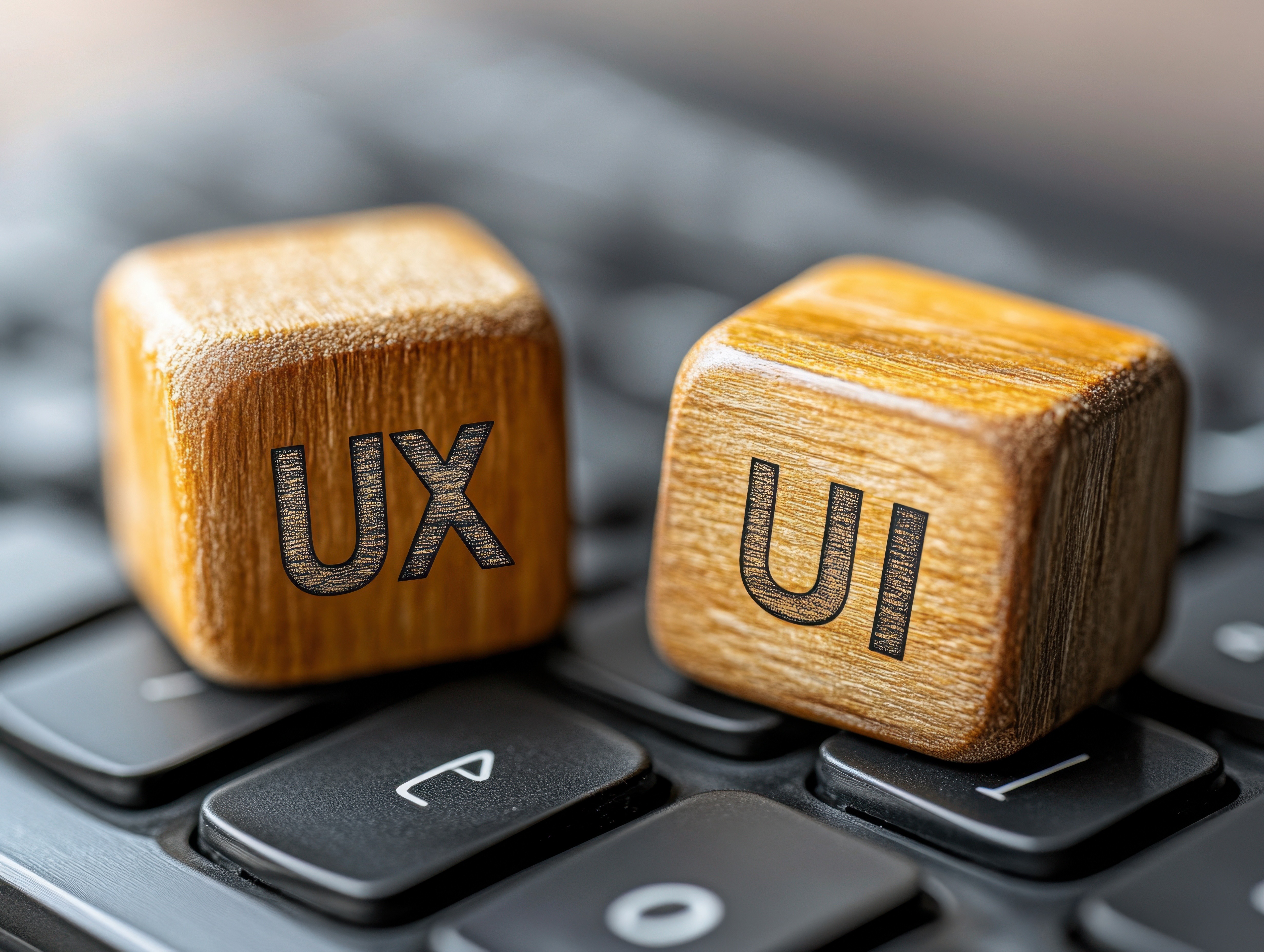
There’s sometimes confusion between UX and UI, especially among non-designers. The easiest way to think about it? UX is the journey. UI is how the journey looks and feels.
You need both.
You can have a beautiful site that’s impossible to navigate, that’s good UI, poor UX. Or a site that’s logically structured but visually dull and hard to trust, that’s good UX, poor UI.
When both come together, that’s when the magic happens. That’s when users move through your store smoothly, enjoyably, and with confidence. That’s when conversion rates go up, not because you pushed harder, but because you made it easier.
E-Commerce Platforms Help, but Only to a Point
WooCommerce and Shopify are incredible platforms. They’ve made it possible for anyone to launch an online store. But out of the box, they’re just that, a starting point.
Themes and templates are a quick way to get going, but they’re not tailored to your users. Most need refining. Personalising. Testing. What works for a fashion brand won’t work for a tech accessories store. What works for a local business won’t work for a global one.
Your site shouldn’t feel like everyone else’s. It should feel like you, but designed for them.
This is especially true as your store grows. The more products you have, the more important it becomes to structure them well. To think about navigation, hierarchy, search, filtering, and even micro-interactions like hover states or loading animations. These little details are what make a site feel polished, considered, human.
UX Is Not a One-Time Job
Here’s the thing: UX is not something you “do” once and forget. It’s an ongoing process. Your users change. Your products evolve. Technology shifts. Expectations rise.
The best stores are always testing, refining, improving. Not just because it helps conversions, but because it shows care. It tells your customers that you’re paying attention. That you want them to have a better experience today than they did yesterday.
What to Do If You’re Not Sure Where to Start
You don’t need a complete overhaul to improve UX. Often, small changes can have big results. A clearer call to action. A simpler homepage layout. A streamlined product filter. A tweak to your navigation labels.
But it’s hard to see the friction when you’ve been staring at your own site for months or years. That’s where a second set of eyes helps.
At Gigaflux, we offer a base homepage audit for £500. It’s not a sales pitch. It’s an honest breakdown of what’s working, what’s getting in the way, and where small UX and UI changes could unlock more sales. No fluff. Just clear, actionable insight based on years of experience and research into what actually moves the needle for e-commerce brands.
Final Thought
Your website is your store. It’s the first impression. The salesperson. The support desk. The checkout counter. Everything happens there. And every moment of friction is a moment someone could walk away.
UX isn’t about making things pretty. It’s about making things work, for the people who matter most.
If your site feels a little off, if you’re getting traffic but not enough sales, the answer might not be more ads, better SEO, or new product photos. It might be in the experience. And that’s something worth paying attention to.